 ← PostgreSQL Blog
Chmod & chown in Linux
Chmod & chown in Linux
Changing Permissions:
chmod +x name.sh: Grants execute permission to the filename.sh.chmod 777 /notes.txt: Provides read, write, and execute permissions to everyone for the filenotes.txt.chmod +x /notes.txt: Adds execute permission tonotes.txt.chmod +r /notes.txt: Adds read permission tonotes.txt.chmod +w /notes.txt: Adds write permission tonotes.txt.chmod 0 /notes.txt: Removes all permissions fromnotes.txt.chmod -x /notes.txt: Removes execute permission fromnotes.txt.chmod 775 /notes.txt: Provides read, write, and execute permissions to the owner and group, and read/execute permissions to others fornotes.txt.chmod -x /notes.txt: Deletes execute permission fromnotes.txt.
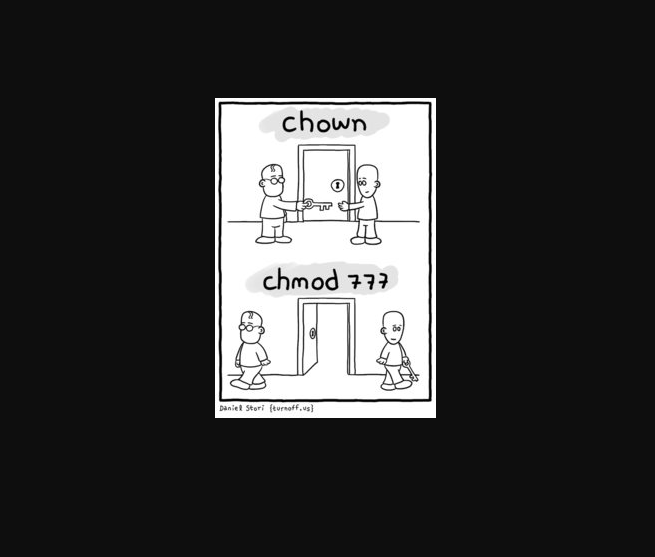
Changing Ownership and Groups:
sudo chown $USER:$USER /mnt/drive1/Movies: Changes the ownership and group of the directory/mnt/drive1/Moviesto the current user.sudo chown oracle:oinstall /a: Changes the ownership to useroracleand the group tooinstallfor directory/a.