 ← PostgreSQL Blog
Creating and Modifying Oracle User Groups and Roles
Creating and Modifying Oracle User Groups and Roles
When managing an Oracle database, it’s essential to organize users into appropriate groups and assign them relevant roles for effective access control and administration. Below are steps to create and modify Oracle user groups and roles:
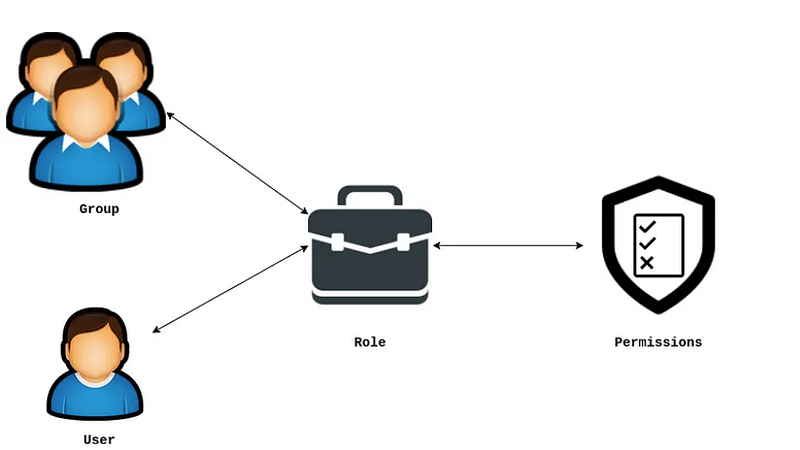
Create a New Group: To create a new group named oinstall with a specific group ID (e.g., 54321), use the following command:
sudo groupadd oinstall -g 54321Note: If the group already exists, you’ll receive a message indicating that.
Add a User to a Group: To add a user named dba to the oinstall group, use:
sudo usermod -aG oinstall dbaRemove a User from a Group: If you need to remove the dba user from the oinstall group, use:
sudo gpasswd -d dba oinstallCreate and Assign Roles to a User: To create a new user named dba, assign it to the oinstall group, set its shell to /bin/bash, and add the dba user to the oracle group (assuming oracle is an existing group):
sudo useradd -m -G oinstall -s /bin/bash dba sudo usermod -aG dba oracleAfter executing these commands, you can verify the group memberships and user details using:
getent groupExample Output:
root:x:0:
bin:x:1:
daemon:x:2:
sys:x:3:
adm:x:4:
...
user:x:1000:user
oinstall:x:54321:oracle,dba
dba:x:54322:oracle
oper:x:54323:oracle
backupdba:x:54324:oracle
dgdba:x:54325:oracle
kmdba:x:54326:oracle
racdba:x:54330:oracle
fuse:x:981:
postgres:x:26:
oracle:x:54331:racdba
In this example, we’ve successfully managed the oinstall group and its members, added the dba user to the group, and assigned the oracle role to the dba user. Properly organizing and managing user groups and roles are crucial for maintaining a secure and efficient Oracle database environment.