 ← PostgreSQL Blog
Top 40 Linux Commands Every Engineer Should Know
Top 40 Linux Commands Every Engineer Should Know
Whether you’re a beginner getting your hands dirty or a seasoned sysadmin managing hundreds of servers, mastering the Linux command line is a must.
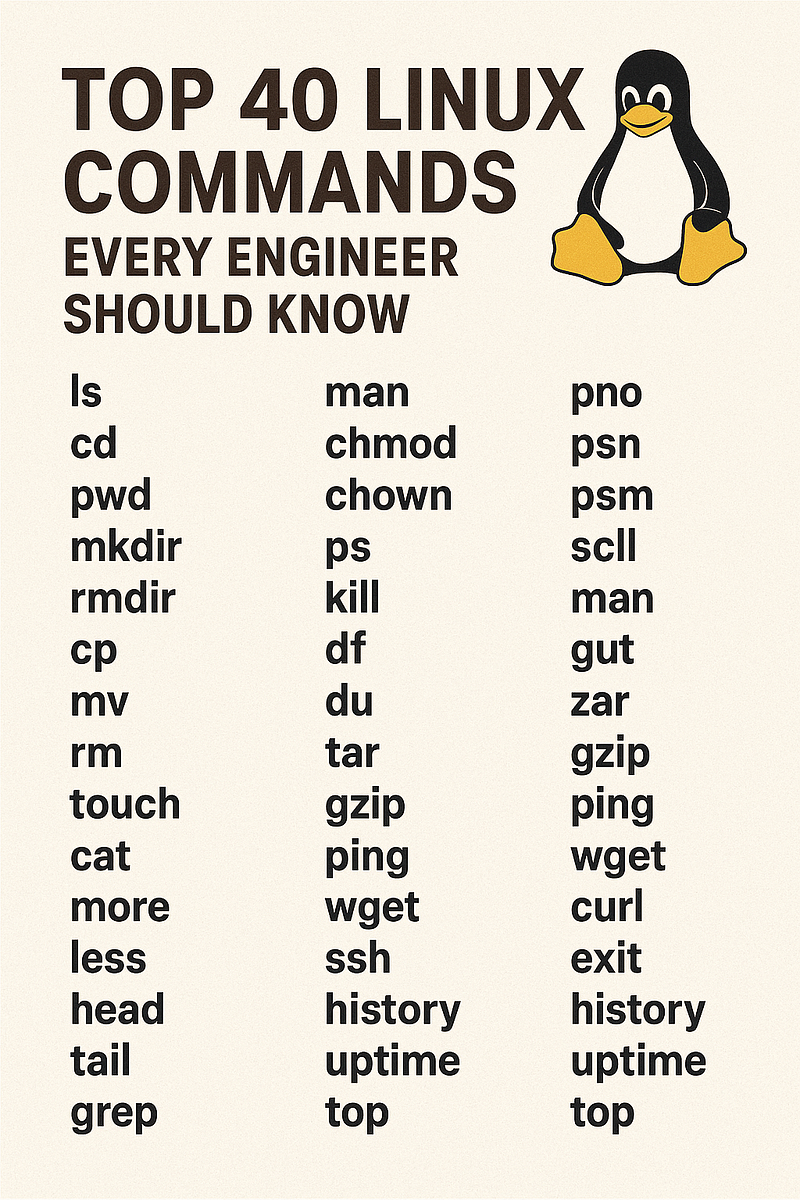
Table of Contents
- Application and Package Management
- Console and Output Management
- Environment Variables
- File and Directory Operations
- Networking Essentials
- Process and System Control
- Useful Lookup and Diagnostic Tools
Application and Package Management
which
Shows the full path of a command.
which cleardnf / yum
Installs, removes, and manages packages on RHEL-based systems.
sudo dnf install net-toolsrpm
Queries or installs RPM packages.
rpm -qa | grep sshapt
Manages packages on Debian/Ubuntu systems.
sudo apt install htopConsole and Output Management
cat
Displays the contents of a file.
cat /etc/system-releaseless
Opens a scrollable view for long files.
less /var/log/messageshead
Shows the first lines of a file.
head -n 15 /etc/passwdtail
Shows the last lines of a file.
tail -n 20 /var/log/securetail -f
Follows file output in real time.
tail -f /var/log/nginx/access.logecho
Prints text or variable values.
echo $PATHtee
Displays output and writes it to a file.
dmesg | tee /tmp/dmesg.logclear
Clears the terminal screen.
clearwc
Counts lines, words, and characters.
wc -l /var/log/messagesEnvironment Variables
export
Sets an environment variable.
export PATH=$PATH:/opt/toolsprintenv
Prints environment variables.
printenv HOMEFile and Directory Operations
ls
Lists files and directories.
ls -lah /var/wwwcp
Copies files or directories.
cp file.txt /tmp/mv
Moves or renames files.
mv old.txt new.txtrm
Removes files or directories.
rm -rf /tmp/testmkdir
Creates directories.
mkdir -p /data/backupsfind
Searches for files based on patterns.
find /var/log -name "*.log"chmod
Changes file permissions.
chmod 640 config.cfgchown
Changes file owner or group.
chown root:root /etc/secureNetworking Essentials
ip
Shows or configures network interfaces.
ip addr showping
Tests network connectivity.
ping -c 4 8.8.8.8ss
Displays active network connections.
ss -tulpncurl
Transfers data from/to a server.
curl -I https://example.comscp
Copies files securely over SSH.
scp backup.tar.gz user@host:/tmp/Process and System Control
ps
Shows running processes.
ps aux | grep nginxtop
Displays real-time system usage.
topkill
Stops a process using a signal.
kill -9 1234 # 1234 is PID That you want to killsystemctl
Manages systemd services.
systemctl restart sshdjournalctl
Shows system logs.
journalctl -u patroni -n 100uptime
Shows how long the system has been running.
uptime Useful Lookup and Diagnostic Tools
grep
Searches text patterns in files.
grep -R "ERROR" /var/logawk
Processes text into fields and patterns.
awk '{print $1}' /etc/passwdsed
Edits text in streams or files.
sed -i 's/old/new/g' file.txtsort
Sorts lines of text.
sort users.txtuniq
Removes duplicate lines.
sort list.txt | uniqdu
Shows disk usage.
du -sh /var/log/*